Accouting Pro Partner
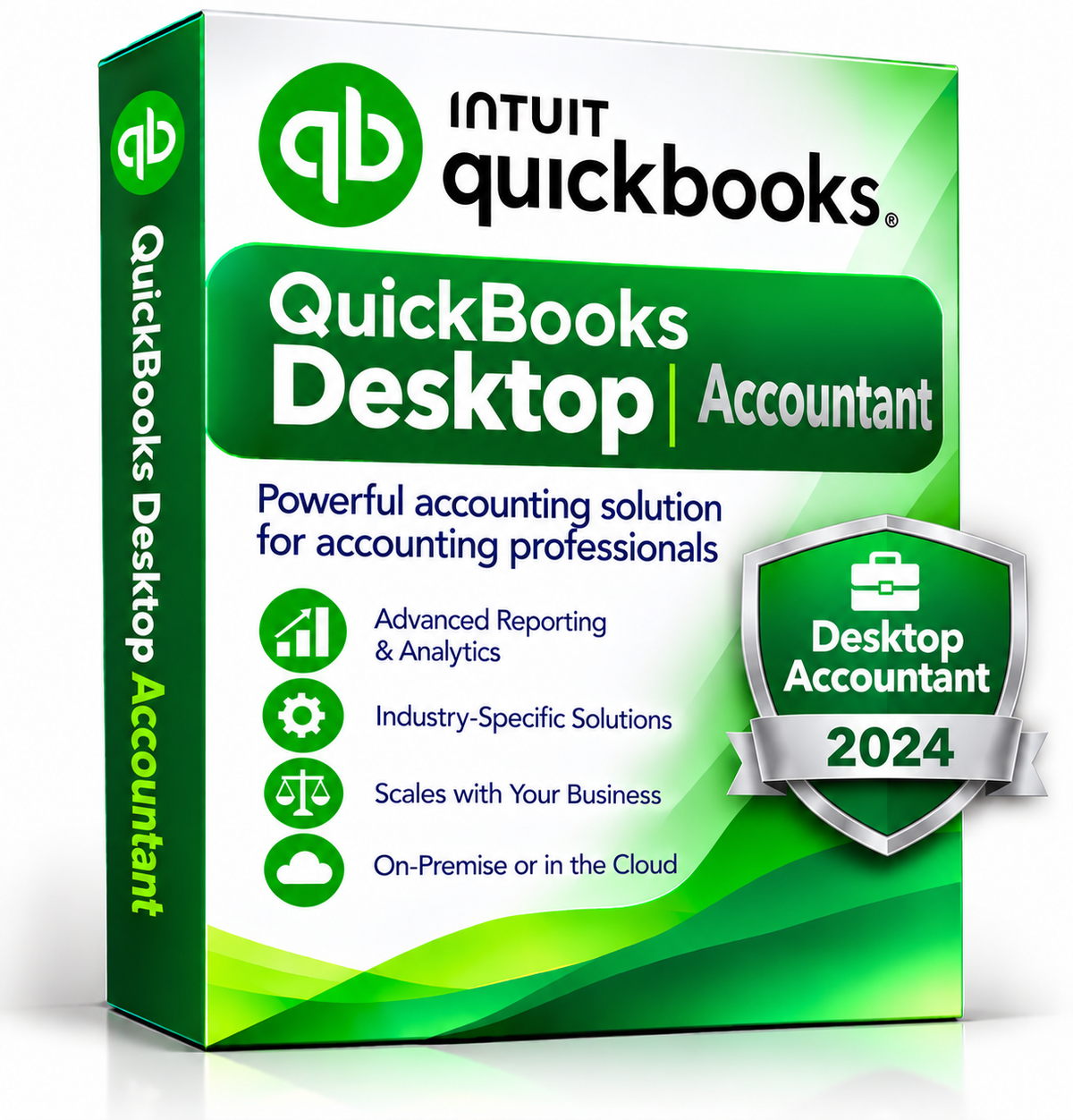
QuickBooks Desktop Accountant 2024 - 1 user
QuickBooks Desktop Accountant 2024 - 1 user
QuickBooks Desktop Accountant 2024 – 1 User
Professional Accounting Software. Designed for Accounting Professionals.
Manage your accounting tasks efficiently with QuickBooks Desktop Accountant 2024. Designed for accountants and accounting professionals, this desktop solution provides tools to organize financial records, manage client accounts, track business performance and simplify everyday accounting workflows.
Key Features & Benefits
-
Single-User Access: Designed for one user working on an individual computer.
-
Accounting Management: Organize income, expenses, accounts and financial records.
-
Financial Reporting: Generate useful reports to review business performance and support financial analysis.
-
Client Management: Work with client company files and manage accounting information more efficiently.
-
Desktop Environment: Access your accounting tools through a dedicated desktop application.
-
Microsoft Office Integration: Integration with Microsoft Word and Excel is supported with compatible Office versions.
-
Email Integration: Send estimates, invoices and other forms using supported email services and clients.
-
Installation Assistance: Get help from our team with installation, configuration and initial setup.
System Requirements
Operating System
-
Windows 10 (64-bit) or Windows 11 (64-bit), with updates and versions supported by Microsoft.
-
Windows 8.1, Windows 10 S mode, Windows 11 IoT and Linux are not supported.
-
Server operating systems: Windows Server 2016, 2019 or 2022 (Regular or Small Business Server).
Processor & Memory
-
2.4 GHz processor.
-
Client RAM: 8 GB minimum; 16 GB recommended.
-
Server RAM for multi-user support: 8 GB for up to 5 users.
Storage
-
2.5 GB of disk space recommended, with additional space required for data files.
-
Solid State Drive (SSD) recommended for optimal performance.
Internet & Mobile Access
-
Plus subscriptions, Workforce and online features require internet access.
-
QuickBooks Desktop App access is included with Desktop subscriptions. Installation requires a camera-enabled mobile device running Android 6.0 or later, or iOS 14 or later.
Integration with Other Software
-
Microsoft Word & Excel: Integration requires Microsoft Office 2016–2021 or Microsoft 365 (64-bit).
-
Email Services: Estimates, invoices and other forms can be emailed using Microsoft Outlook 2016–2019, Microsoft 365 (64-bit), Gmail, Outlook.com or other SMTP-supporting email clients.
-
QuickBooks POS: Integration with QuickBooks POS 19.0 is listed in the supplied system-requirements reference.
Installation & Support
At AccountingProPartner, we provide personalized installation assistance to help you get started. One of our team members will guide you through the installation and configuration process and help verify that the software is working properly.
Payment is requested only after installation and verification, according to our payment procedure.
Product Information
-
Software: QuickBooks Desktop Accountant 2024
-
Users: 1 User
-
License: Subject to the applicable software publisher's license terms
-
Delivery: Digital delivery
-
Installation: Personalized assistance included
Get started with QuickBooks Desktop Accountant 2024 and make your accounting workflow more organized and efficient.
Share